Add your photos
Bring in your images, arrange their order, and let on-device analysis find subjects and suggest a direction.
Photo videos · iPhone, iPad & Mac
Turn photos into cinematic videos with music. Beat Sync times photo changes to your soundtrack, while SteadyFlow shapes the motion and style.
5 free exports · One-time Premium unlock · No subscription
iOS 16+ · macOS 14+ · Apple silicon for Mac
Coming soon in SteadyFlow 6.0
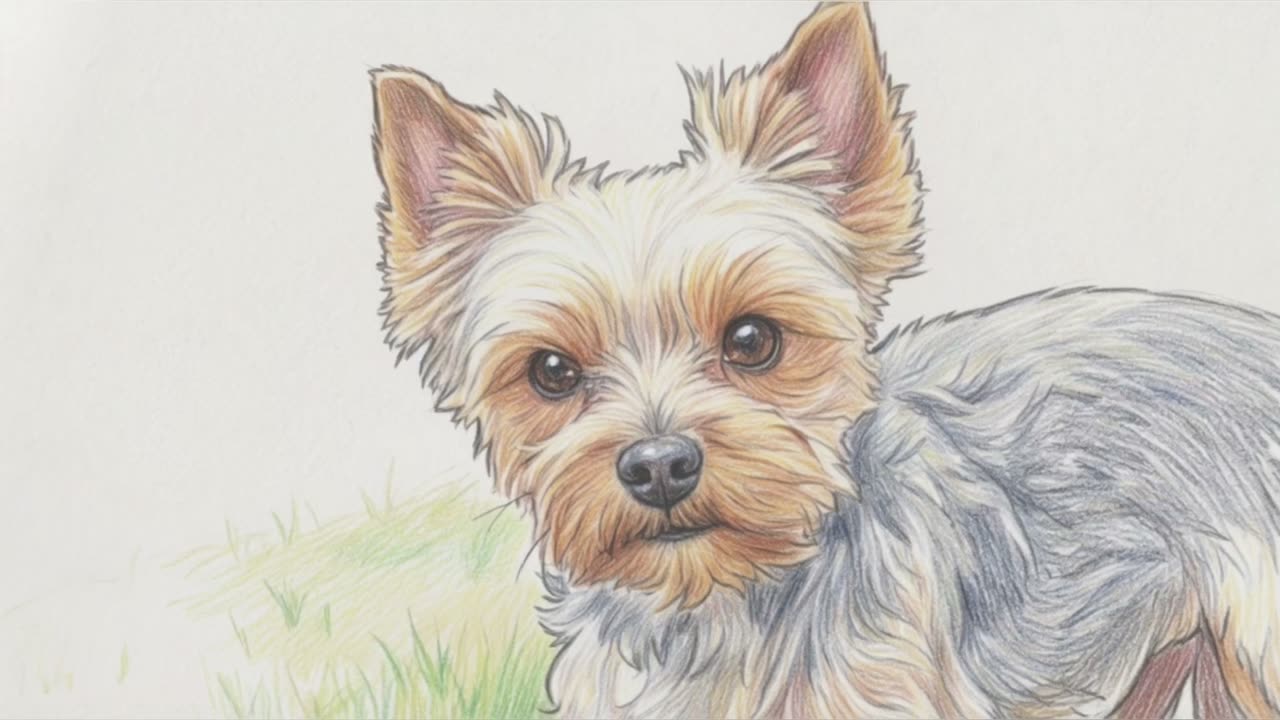
Turn photos into a 3D animation, an illustration or a sketch. Put the cartoon in place of the photo or right after it, and keep the original.
Play with sound ↗01 / From photos to film
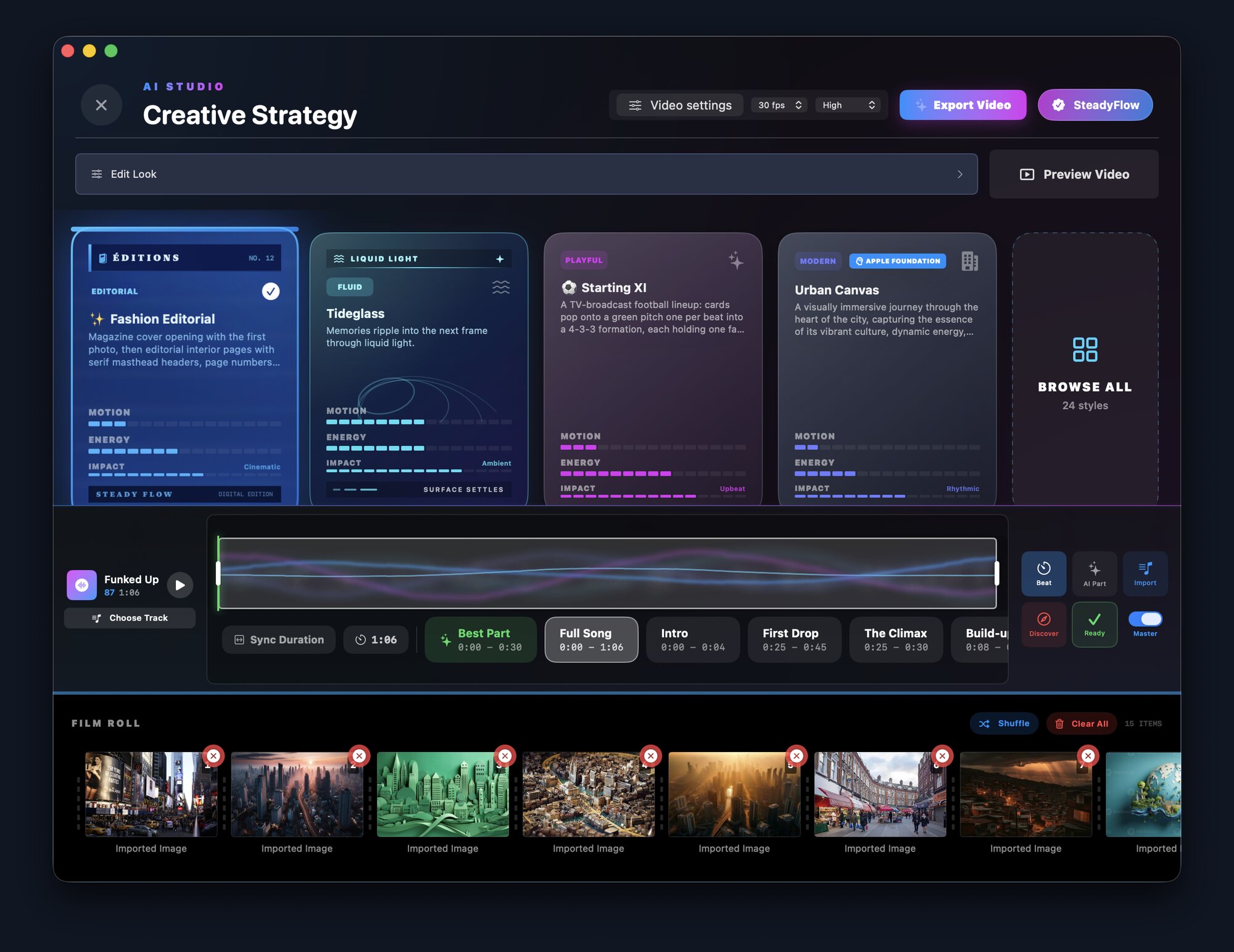
Bring in your images, arrange their order, and let on-device analysis find subjects and suggest a direction.
Pick a cinematic style, browse music by mood, and preview a track or import your own audio. Beat Sync helps photo changes land with the music.
Choose your canvas and output settings. Refine each photo and watch a full draft before the final export.
02 / A closer look
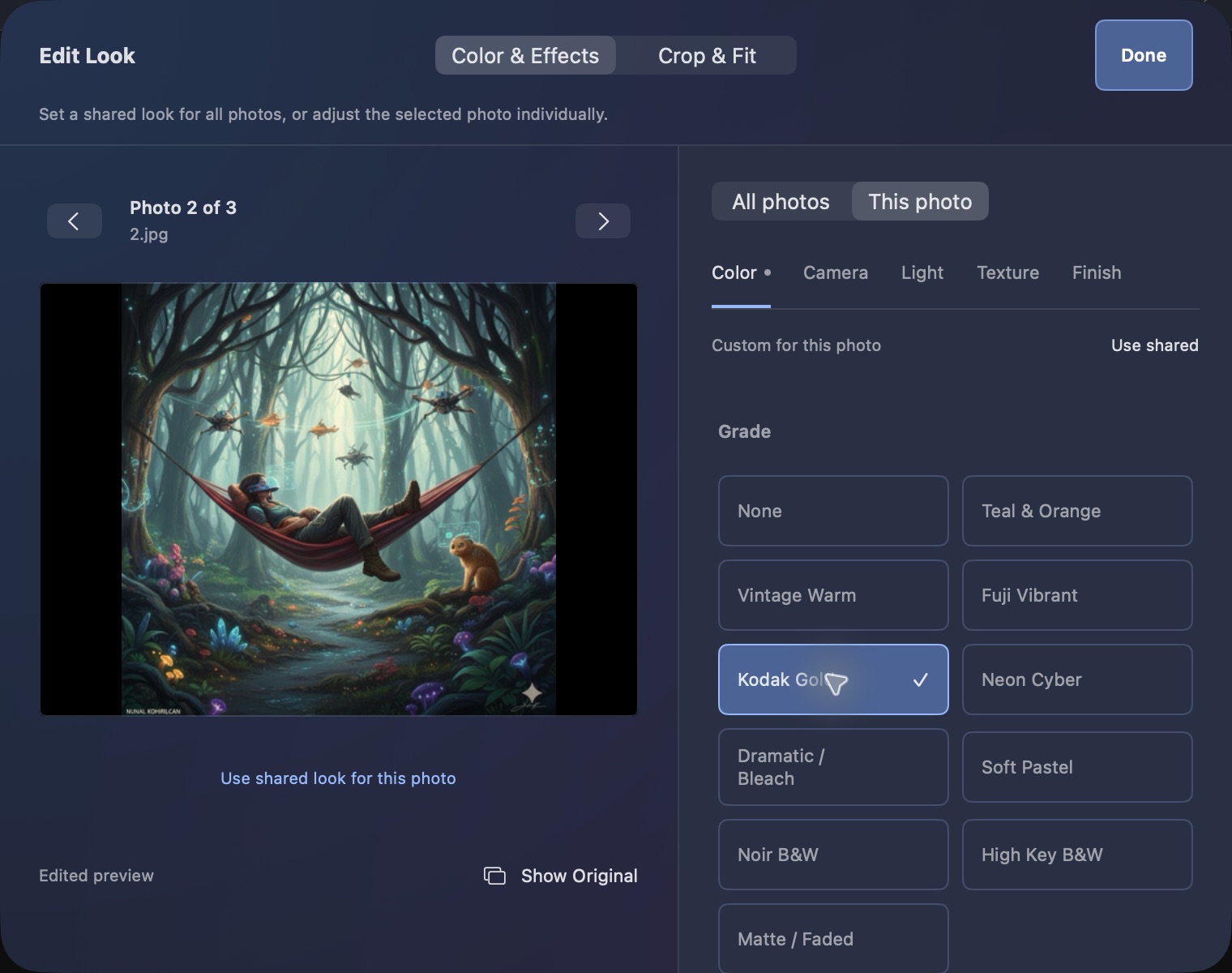
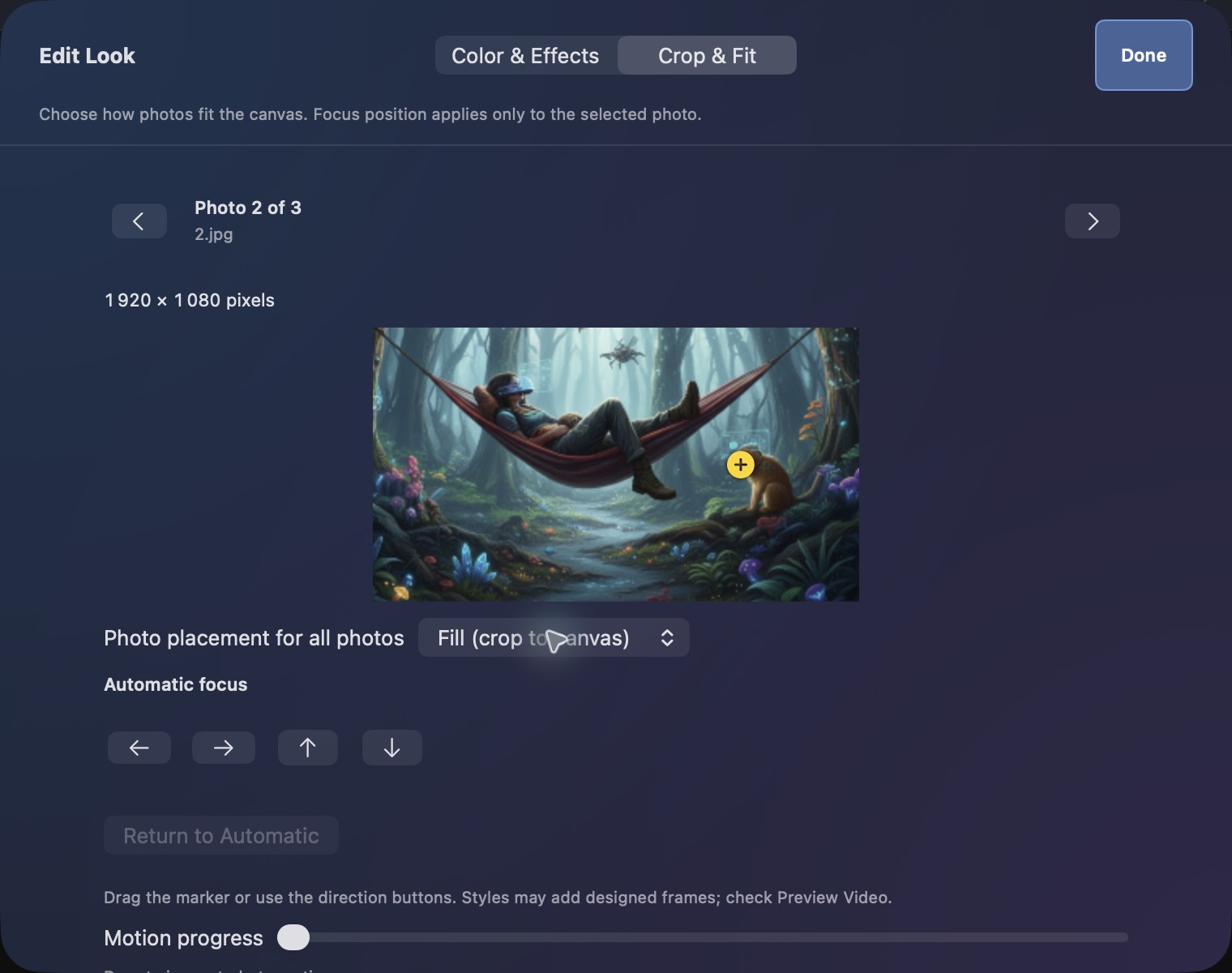
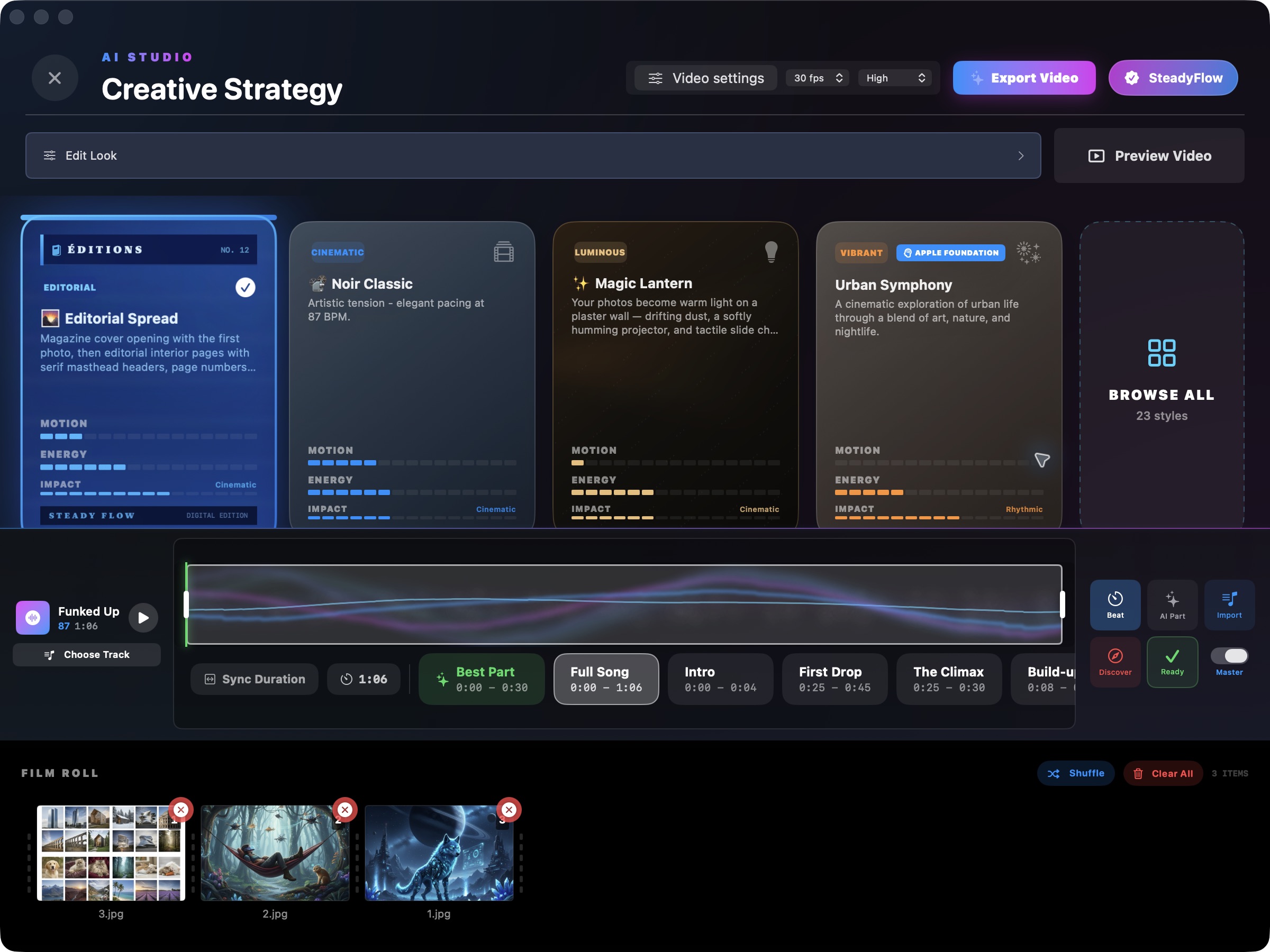
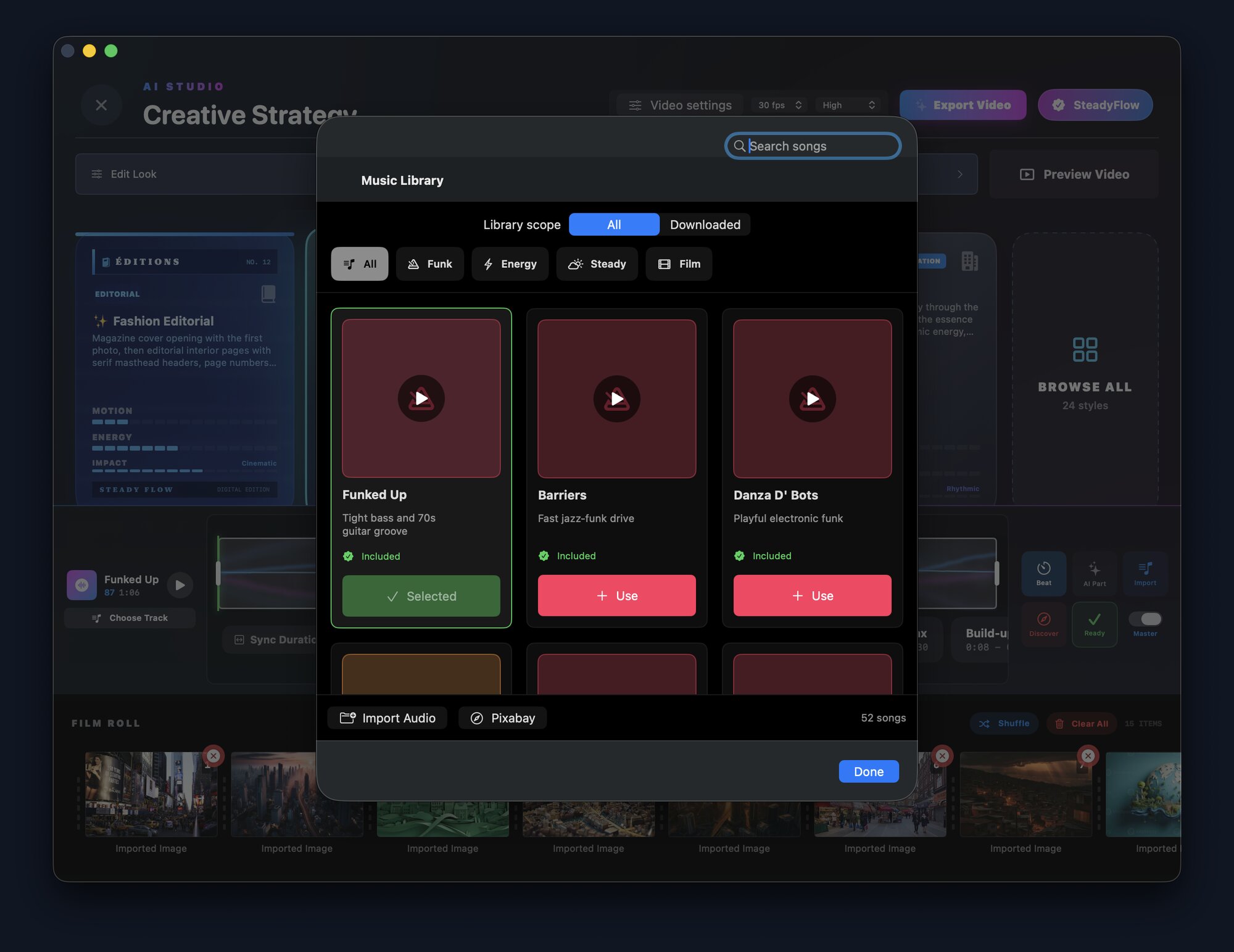
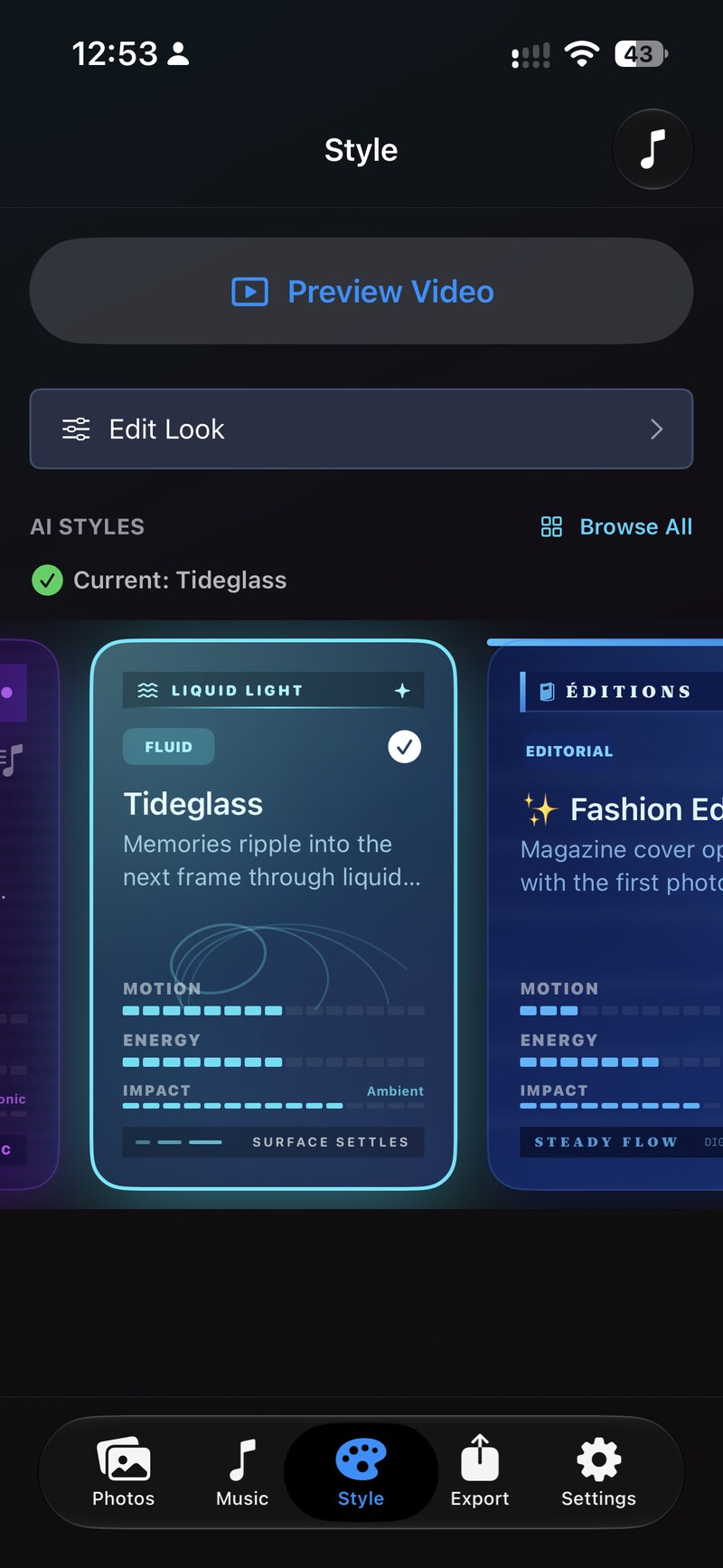
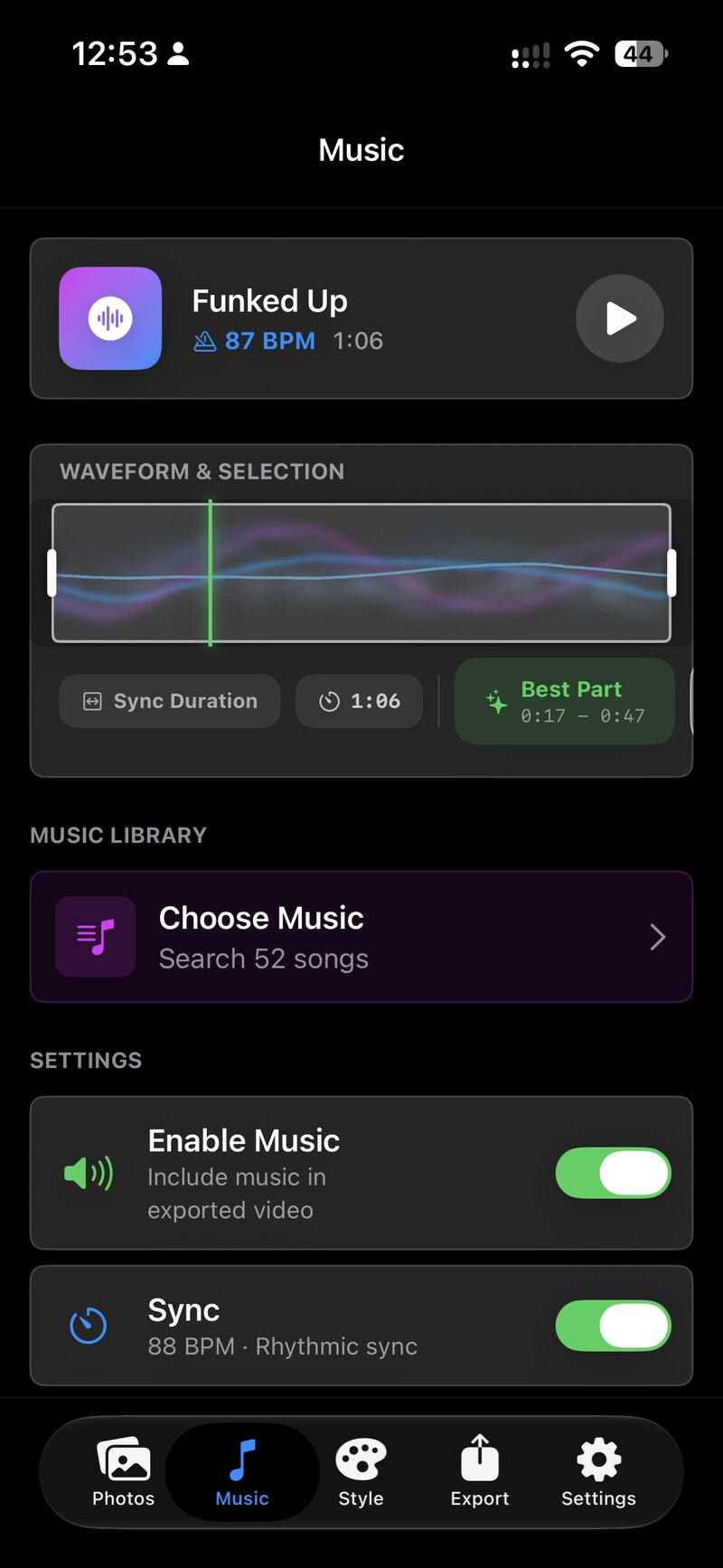
These screenshots show SteadyFlow 5.2 on Mac and iPhone. The editing, preview, and Help features are available now on iPhone, iPad, and Mac.
03 / See it in motion
Real SteadyFlow previews for iPhone, iPad, and Mac. Play each with sound to explore the effects and formats.
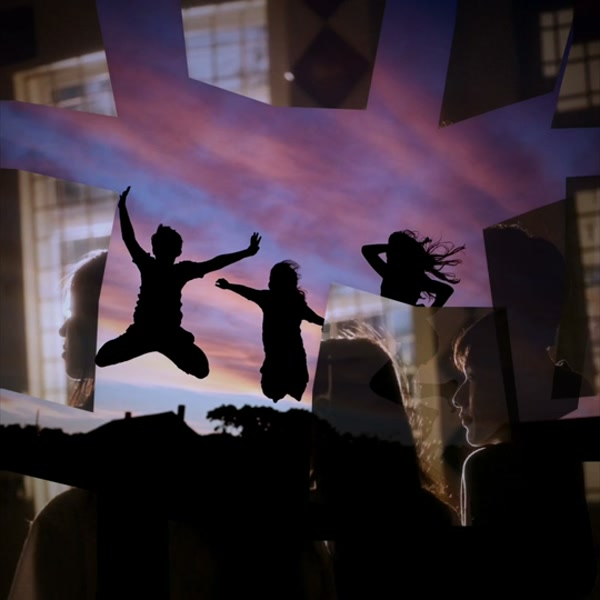
Photos break into moving fragments to reveal the next memory.
Play with sound ↗
Give everyday moments color, motion, and a soundtrack.
Play with sound ↗
Turn your photos into a moody story with eerie light and effects.
Play with sound ↗
Let your photos ripple into the next scene.
Play with sound ↗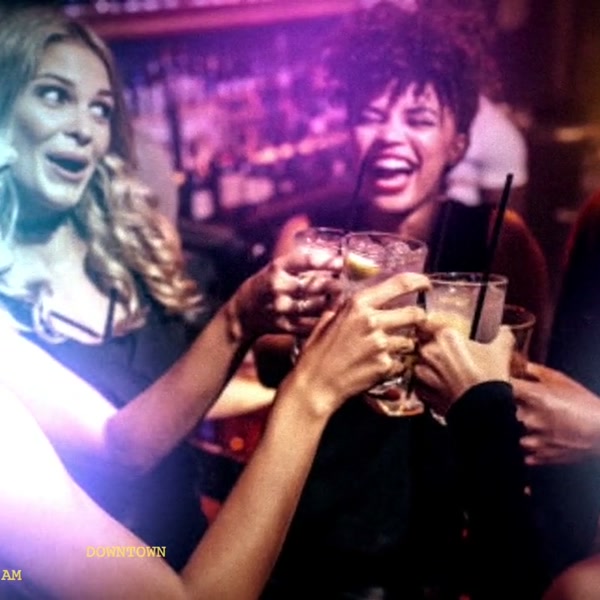
Capture the energy of the night with colorful light and motion.
Play with sound ↗
See the fracture effect in a vertical video made for your phone.
Play with sound ↗Existing style demos. Open a video to watch it with sound. Browse the full style library in the app.
04 / Your media stays yours
Your photos, video, and audio are processed locally. SteadyFlow does not upload your media for cloud editing, and you don’t need an account. Coming in 6.0, the one exception is cartoons, which Apple Intelligence creates.
Read the privacy details ↗Photo videos and cinematic slideshows with music, motion, transitions, and designed styles. Import your photos, arrange them, choose a look and soundtrack, then export a video.
Open Edit Look and choose This photo. Adjust its color, camera effects, lighting, or texture independently. Use shared restores the common settings for that section or the whole photo.
Color & Effects changes how a photo looks. Crop & Fit chooses how photos fit the video canvas. In Fill, you can move the selected photo’s focus point to keep the right subject in view.
No. The 5.2 draft preview checks the complete sequence at a smaller resolution without consuming a free final export. Your final resolution and quality settings are preserved.
Cartoons are coming in version 6.0. Open Edit Look, choose Cartoon, then pick a style: 3D Animation, Illustration or Sketch. Apple’s Image Playground opens with your photo, and the cartoon you accept replaces the photo or is added after it. You can restore the original at any time. Cartoons need a device with Apple Intelligence turned on. If every photo fails, turn off any VPN and try again.
iPhone and iPad with iOS or iPadOS 16 or later, and Mac with macOS 14 or later. The Mac 5.2 release supports Apple silicon. Apple Intelligence features need a supported device, a compatible system version, and Apple Intelligence enabled.
No. Download the app and try five free final exports. A one-time Premium purchase unlocks unlimited exports. From version 6.0, Edit Look (color, captions and labels, title cards and cartoons) is free to try in the preview, and the one-time purchase also unlocks exporting with every Edit Look feature. See the App Store and the app for current local pricing.
Your next trip, celebration, or everyday moment. Give it a soundtrack.