PDF compressor for Mac
Reduce PDF file size on macOS without uploading private documents. GhostPDF gives you quick presets, Pro compression controls, batch processing, and a lifetime Premium unlock.
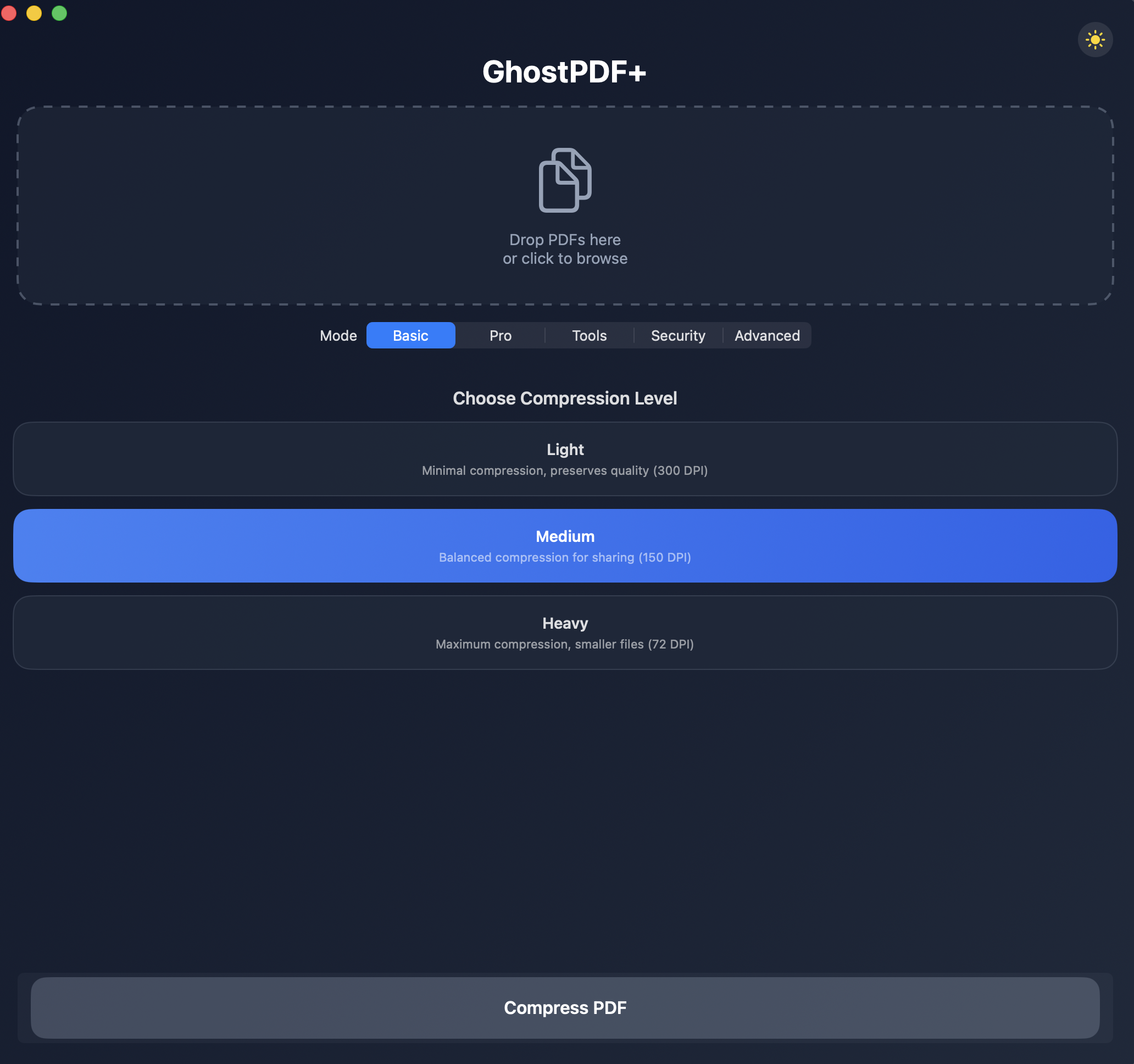
Simple presets
Use light, medium, or heavy compression when you need a quick smaller PDF for email, upload portals, or storage.
Pro controls
Adjust DPI, image quality, grayscale conversion, metadata, duplicate images, and compatibility settings.
Offline by design
Your files stay on your Mac. GhostPDF does not send documents to cloud compression servers.
How to compress a PDF on Mac
- 1. Add your PDF. Drag a file into GhostPDF or choose it from Finder.
- 2. Pick compression. Choose a preset or open Pro mode for detailed controls.
- 3. Export locally. Save the smaller PDF without uploading it anywhere.
A lower-cost PDF Squeezer alternative
If you are comparing Mac PDF compressors, GhostPDF is free to download and Premium is a $7.99 one-time unlock. It also includes tools beyond compression, including PDF signing, merge, split, repair, password protection, PDF/A conversion, image extraction, and vector extraction.
PDF Squeezer is a trademark of its respective owner. GhostPDF is independent and not affiliated with PDF Squeezer.